All Work

Case Study — EdTech Platform

Tutor Guru

A comprehensive UX/UI design system for an online coding learning platform — empowering students, mentors, teachers and school admins through intuitive multi-role dashboards.

TutorGuru
EdTech
Web & Mobile

About The Project

Online learning,
truly reimagined

TutorGuru is an online learning platform offering on-demand and personalized learning through certified coding experts. The project scope covered a full web and mobile application design for multiple user roles — students, mentors, teachers, and school administrators.

The design challenge: create a single cohesive system that serves radically different workflows while remaining approachable for students as young as grade 5.

Student Module Mentor Module Teacher Module Admin Module Desktop + Mobile
TutorGuru sign-up screen

The Challenge

Four users.
One platform.

Each user type had fundamentally different needs and mental models. Building a system that felt native to each — without fragmenting the product — was the core design challenge.

01 — Students
View session details, schedule sessions, bookmark and pay for courses, submit assignments, get on-demand expert help, and share feedback — all in one fluid experience.
02 — Mentors
View and reschedule sessions, evaluate student assignments, participate in on-demand sessions, add session notes and course completion summaries.
03 — Teachers
View enrolled students and their course subscriptions, monitor progress, and maintain course materials with minimal friction.
04 — School Admin
View and manage students, teachers, mentors, course details, events, and generate reports — a command centre for the entire school.

Contribution

How OWEO
delivered it

From research to interactive flows, every design decision was grounded in user empathy and system thinking.

Graphic Design
Custom icons and illustrations tailored to the EdTech context
UX Design
Competitor research, wireframes and information architecture
UI Design
High-fidelity visual design across all modules and breakpoints
Prototype
Fully interactive flows demonstrating end-to-end user journeys

My Courses
Dashboard

Students see their upcoming sessions, ongoing courses, and bookmarked content at a glance. Smart sorting surfaces the most time-sensitive items — a session starting now bubbles to the top instantly.

Tabbed navigation: Upcoming, Ongoing, Completed, Bookmarked
One-tap Start/Reschedule/Book actions per session card
Personalised course recommendations below the fold
Credits, Coins, Cart and notification bar always visible
Student Module
My Courses landing screen

Events
Calendar

A monthly calendar view gives students a bird's eye view of all sessions, assignments, and live coding events. Clicking a date expands a contextual panel showing all events for that day — no page change required.

Daily / Weekly / Monthly toggle
Colour-coded event types (blue, orange, green) at a glance
Expandable day panel with full event details
+N more indicator when events exceed cell capacity
Student Module
Events Calendar screen

Course Preview
& Overview

Before enrolling, students get a rich preview: ratings, session counts, grade range, enrollment data, pricing with discounts, and a full content breakdown. Trust-building and conversion happen on one screen.

Star ratings with review count prominently shown
Stats grid: Hours, Sessions, Assignments, Resources
Skills tags and related course recommendations
Add to Cart + Enroll Now dual CTA
Student Module
Course preview overview screen

Syllabus
& Curriculum

An accordion-based syllabus view drills from module to session to individual resources. Students can see exactly what they're getting — and mentors can track completion at the same granularity.

Nested accordion: Module → Session → Resource
Learning objectives listed per session
Video duration, quiz, assignment, and resource indicators
Preview button for unlocked taster content
Student Module
Course syllabus view screen

Student Home

The complete student
command centre

Full student dashboard — Good Morning view

Design System

Colours & typography

The TutorGuru palette pairs a trustworthy institutional blue with a high-energy red — authority and momentum together. Secondary tints provide breathing room in data-dense interfaces.

Primary
#1554A2
Accent
#DE2926
Text
#303030
Tint Blue
#E7EDF5
Tint Red
#FFE7DD

Merriweather brings editorial gravitas to headings, while Work Sans keeps body copy clean and highly legible at small sizes across screen densities.

Display — Merriweather Bold
HTML for Beginners
Body — Work Sans Medium
Live online coding sessions with certified mentors, scheduled around your calendar and pace of learning.

Outcomes

Design that moved
the needle

1500+
Student users onboarded within the first 3 months of launch
4 roles
Unified under one coherent design system with zero UX fragmentation
8+
Subject areas covered across web and mobile application platforms

Browse our library

View gallery
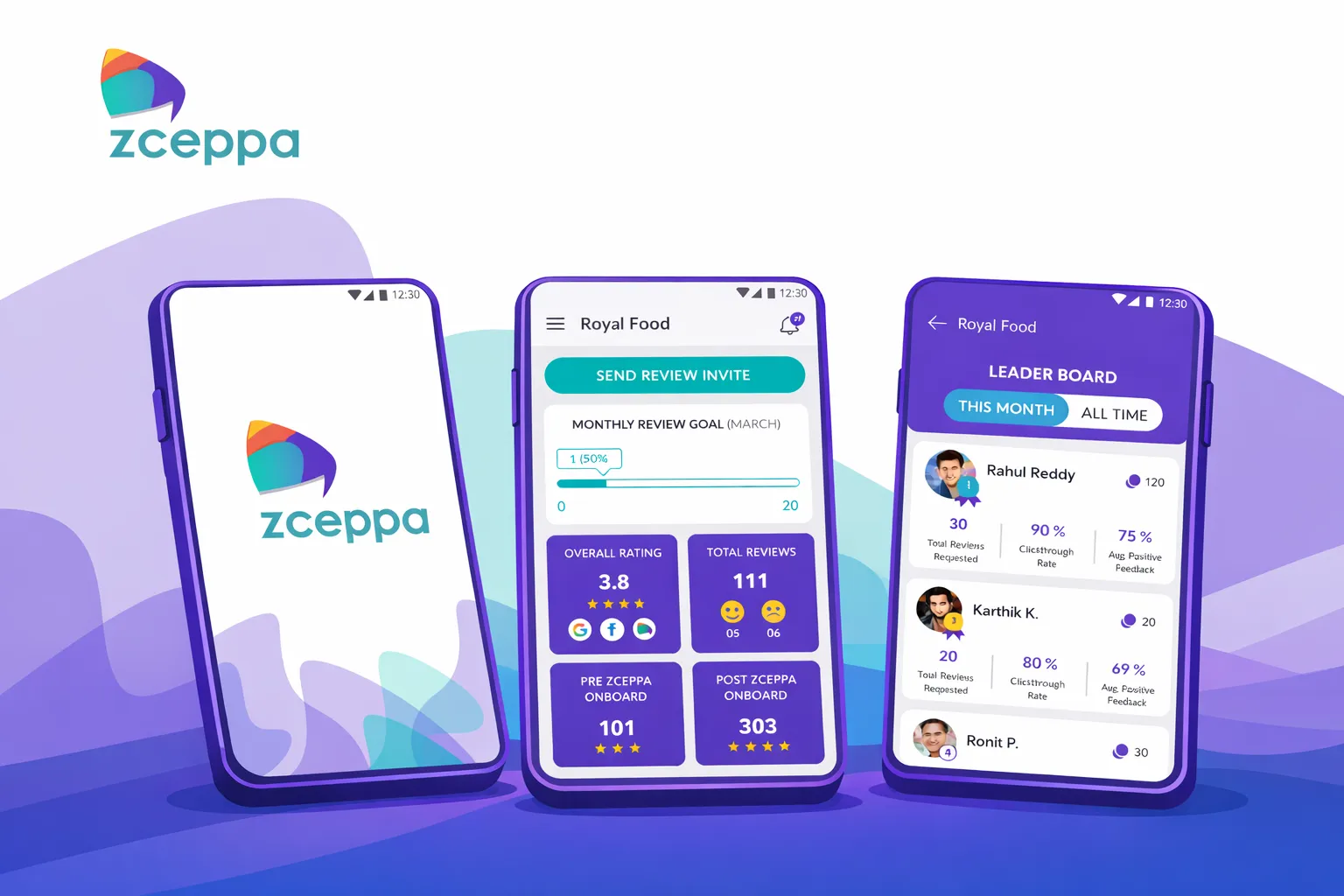
Zceppa — Review Management App
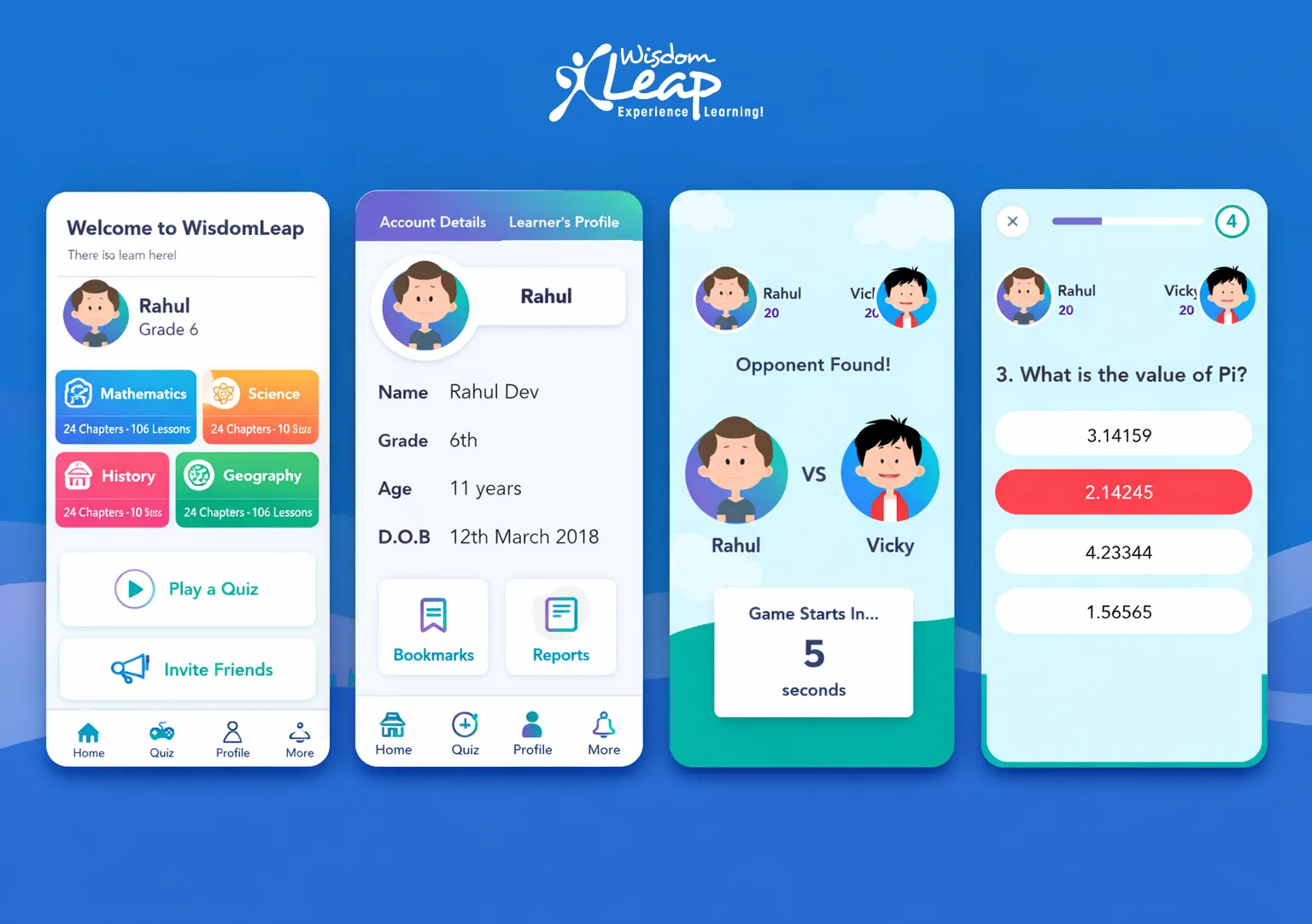
Wisdom Leap — EdTech Mobile App
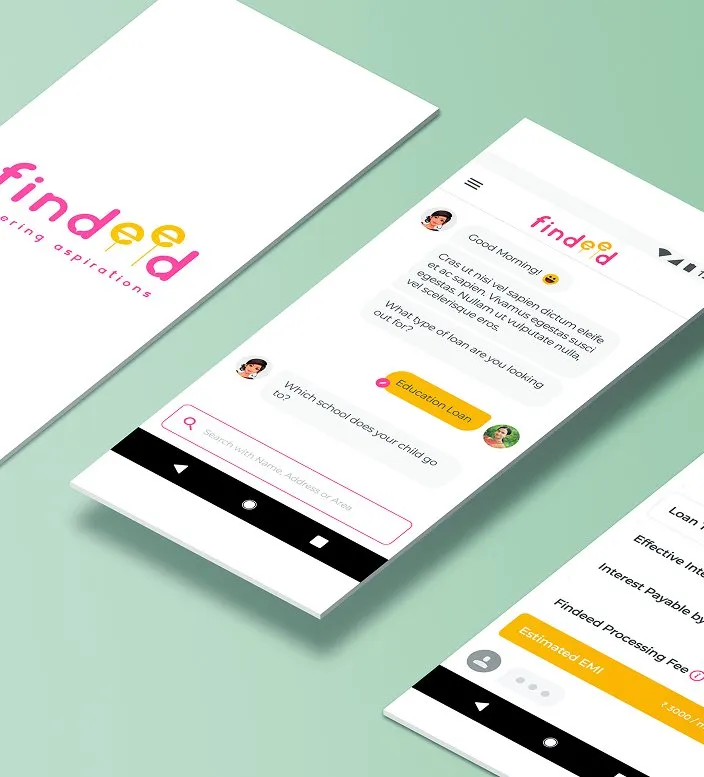
Findeed — Job Search App
Zceppa — Review Management App Wisdom Leap — EdTech Mobile App Findeed — Job Search App